About Echo
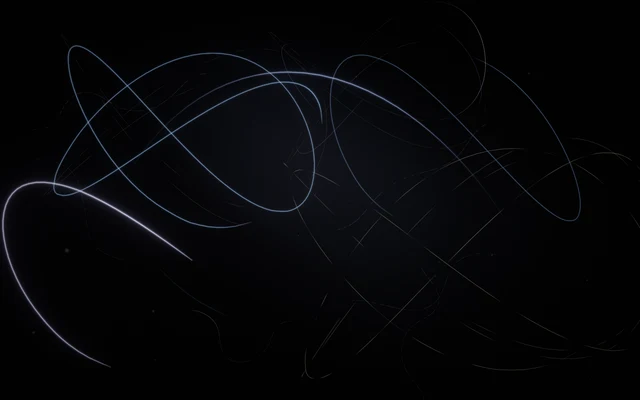
Points of light drift through a dark space, leaving the impression that something has recently passed through it.
The forms are scattered across different depths, like small fragments of an unfinished movement. Some glow briefly before becoming faint again.
Echo is built around traces, delayed responses and gestures that refuse to disappear at once. Instead of showing only what is happening now, the world creates room for something that happened a moment earlier to return.
What happens when you stay
Move through the field and your gestures begin to find their way back.
A motion leaves a response that can appear again after the original movement has ended, crossing paths with whatever you do next. Try a single deliberate gesture, then wait to see how the space answers.
Make another movement before the first has disappeared and notice how the two moments overlap. The longer you interact, the less clear the boundary becomes between what you are doing and what the world remembers.
Where it comes from
An echo occurs when sound reflects from a surface and returns to the listener after a delay.
When many reflections arrive close together, they can blend into reverberation, giving a space its acoustic character. Similar ideas of delay and repetition appear in music, experimental film, video feedback and interactive art, where an earlier action becomes part of a later moment.
Echo translates this principle into light and movement rather than reproducing sound waves travelling through a physical room. It explores the idea that an action does not need to disappear when it ends: a gesture can remain present through its consequences, returning in a slightly different form.
Things to try
- Make one slow movement and stop.
- Wait for the gesture to return.
- Draw a second path before the first has faded.
- Stay still and watch the remaining traces.
How to explore Echo
You can explore with a mouse, a touch screen or your own hands.
Mouse and keyboard
- Move the pointertouch memories without drawing; on a touch screen, your finger draws.
- Hold the mouse buttonhold and drag to draw with light.
- Release the buttonfinish the stroke and hear the echoes.
- Use the wheel or ↑ ↓keep the echoes or let them fade.
Touch
- Move a finger on the scenetouch memories without drawing; on a touch screen, your finger draws.
- Keep a finger still for a momenthold and drag to draw with light.
- Lift your fingerfinish the stroke and hear the echoes.
- Spread two fingers or bring them togetherkeep the echoes or let them fade.
Hands, with the camera
- Point with your index fingertouch memories without drawing; on a touch screen, your finger draws.
- Bring thumb and index together and holdhold and drag to draw with light.
- Separate thumb and indexfinish the stroke and hear the echoes.
- Open your palm or close your fistkeep the echoes or let them fade.
A mouse, touch or keyboard is enough. Choosing “Hands” here only shows instructions; it never turns on the camera.