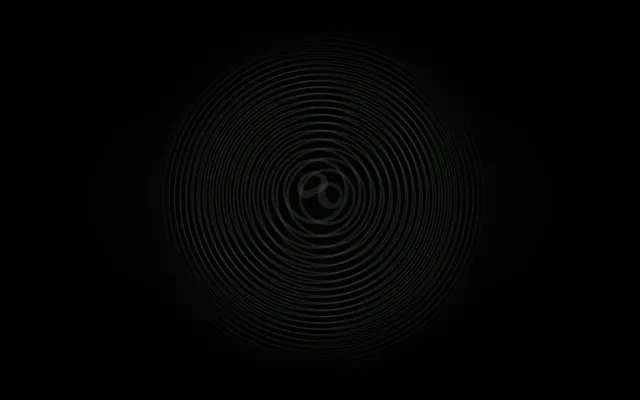
What the overlap draws
A moiré is an old optical effect: lay one fine pattern over another and a broader figure appears that neither of them contains.
Moiré draws it in light. Layers of stripes, rings or a grid share a disc that fades before the edge of the screen.
Each pattern is bent through its own depth (a tunnel for the stripes, a hollow for the rings, a twisted sheet for the grid), so the figure can seem to sink or warp. Left alone, the layers drift and turn slowly.
Move one layer, then the next
The pointer moves the active layer, and the figure shifts because that layer no longer sits with the others.
Hold the button, a pinch or a still finger to catch it and drag it. Let go and it stays; the next layer becomes the one that follows you.
An open hand widens the lines and the figure, a fist makes them finer. A push fades the disc into the next pattern: stripes, rings, grid.
With sound on, two close tones beat the way the lines do.
Where it comes from
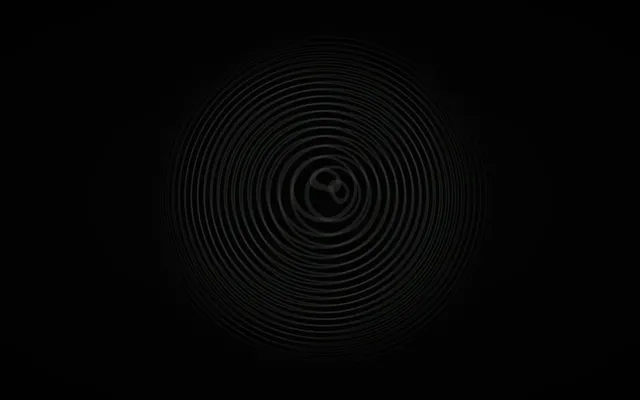
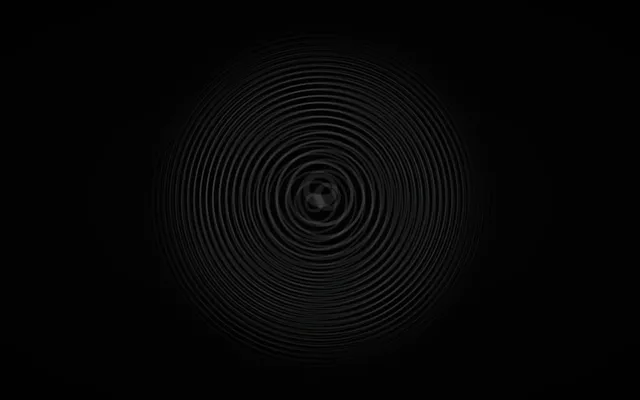
A moiré pattern appears when two or more repeating structures, such as fine lines or grids, overlap.
Small differences in their spacing, scale or angle can create much larger waves, bands and curves that are not present in either structure alone. The phenomenon appears in printed images, photography, textiles and digital displays, where repeating details interact in unexpected ways.
Moiré has also become an important visual language in optical and kinetic art, particularly in works that seem to move as the viewer changes position. This world explores that unstable boundary between what is physically drawn and what the eye perceives.
Things to try
- Move slowly and watch the larger patterns shift.
- Change the relationship between the layers.
- Look for shapes that appear without being drawn.
- Stay still and study the smallest lines.
With a mouse, touch or your hands
You can explore with a mouse, a touch screen or your own hands.
Mouse and keyboard
- Move the pointer and the active layer follows.
- Hold the button to catch it and drag; release and the next layer follows.
- The wheel, or the up and down arrows, widens the lines or makes them finer.
Touch
- Slide a finger and the active layer follows.
- Rest it to catch the layer, drag, then lift.
- Two fingers widen or narrow the lines.
- Two quick taps fade to the next pattern.
Hands, with the camera
- Point and the active layer follows.
- Pinch to catch it, drag, then open your fingers.
- Open the palm for wider lines, close the fist for finer ones.
- Push your palm quickly toward the camera to fade to the next pattern.
- The camera stays off until you turn it on.