About Soundscape
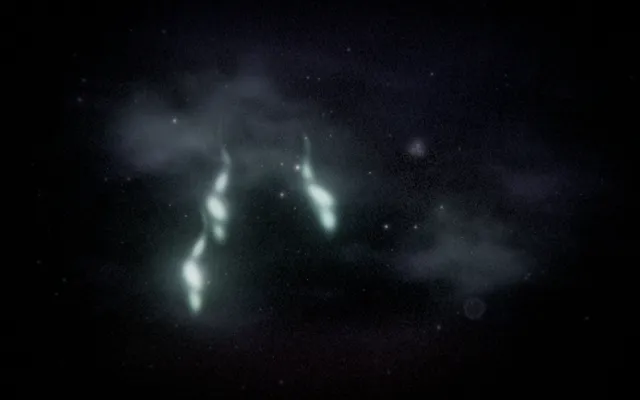
A dark, still surface stretches across the space like a pond at night.
Faint movements and luminous details appear within it, giving the impression of a place that is quietly alive. The surface is both a landscape and an instrument, with each disturbance becoming part of a larger composition.
Soundscape brings together the suggestion of water, moving light and sound generated within the browser. It is a place to listen as much as to look, although it can also be explored in silence.
What happens when you stay
The environment has its own rhythm, even before you begin interacting.
Touch the surface and a new disturbance enters the scene, changing the movement of light and, when sound is enabled, the composition you hear. Try adding one gesture and allowing its effects to unfold.
Then introduce another while the first is still present. Different moments begin to overlap, creating a changing relationship between what the environment produces on its own and what you choose to add.
Where it comes from
A soundscape is the acoustic character of a place, formed by the sounds that exist within it and the way they are perceived.
The term is closely associated with composer and acoustic ecologist R. Murray Schafer, whose work encouraged more attentive listening to everyday environments. Soundscape also draws on generative music, in which rules, processes or interactions produce compositions that change over time.
The visual setting of a night pond connects these ideas to ripples, resonance and disturbances spreading across a surface. Rather than playing a fixed recording of a natural environment, the world explores how an interactive system can create its own atmosphere through sound and movement.
Things to try
- Watch the pond before making a gesture.
- Touch the surface once and follow the response.
- Add a second disturbance before the first has faded.
- Turn on sound and notice how the atmosphere changes.
How to explore Soundscape
You can explore with a mouse, a touch screen or your own hands.
Mouse and keyboard
- Move the pointersend a wind across the water.
- Hold the mouse buttonsow a presence of sound, or take one and move it.
- Release the buttonlet it live on by itself.
- Use the wheel or ↑ ↓open or gather the space.
Touch
- Move a finger on the scenesend a wind across the water.
- Keep a finger still for a momentsow a presence of sound, or take one and move it.
- Lift your fingerlet it live on by itself.
- Spread two fingers or bring them togetheropen or gather the space.
Hands, with the camera
- Point with your index fingersend a wind across the water.
- Bring thumb and index together and holdsow a presence of sound, or take one and move it.
- Separate thumb and indexlet it live on by itself.
- Open your palm or close your fistopen or gather the space.
A mouse, touch or keyboard is enough. Choosing “Hands” here only shows instructions; it never turns on the camera.